Apps on Android Tablets can be set so that certain functions are restricted by the tablet in efforts to conserve battery power. These restrictions can affect the tablet’s connectivity to wifi as well which can delay notifications for orders so if order notifications are delayed, it is advised to confirm battery optimization is disabled for the menufy console app.
To disable the battery optimization for the Menufy Console App, please do the following:
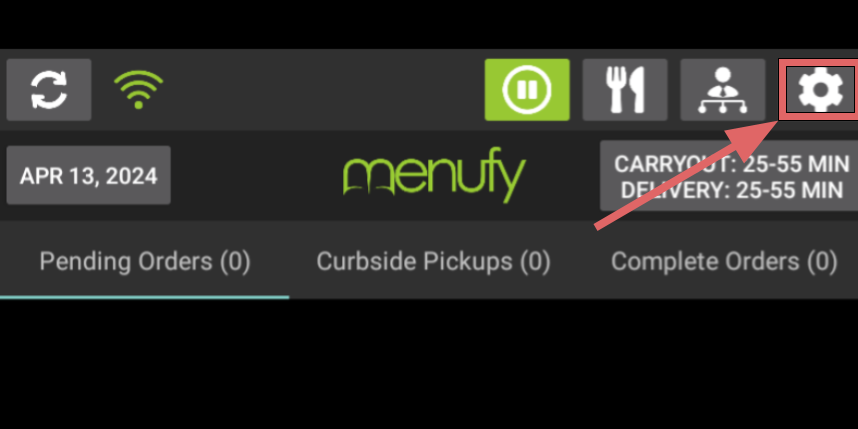
- On the Menufy Home Screen, tap the settings wheel in the right corner
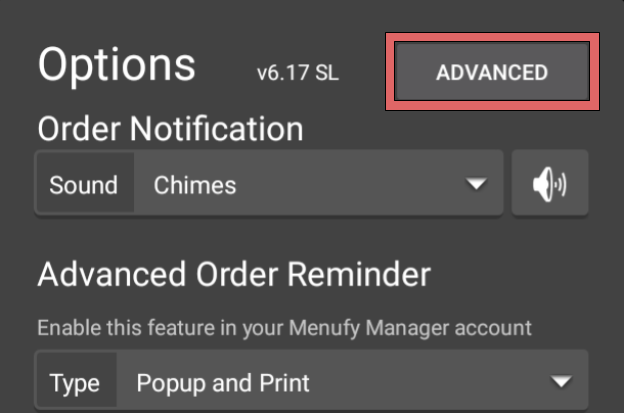
- In the next window, tap “Advanced”
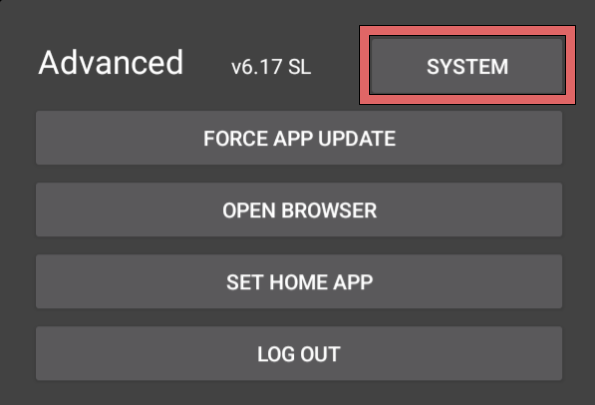
- Then tap “System”
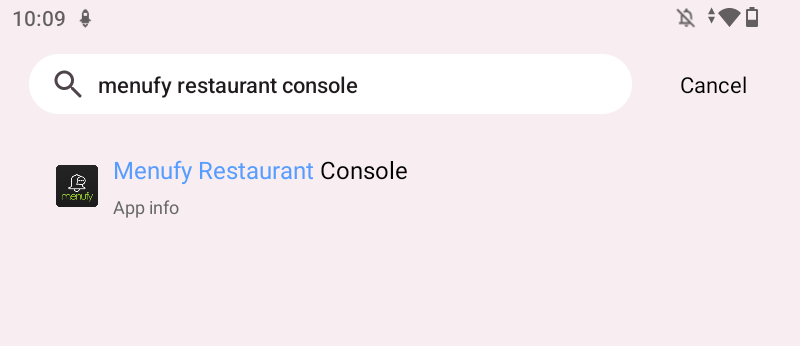
- In the system setting, locate Menufy Restaurant Console App either by using search bar and type “Menufy Restaurant Console” or locating app in "app" section in settings
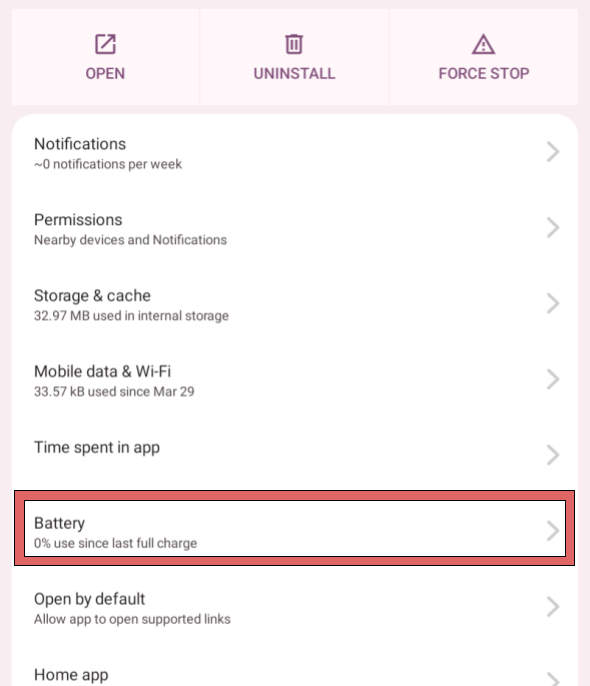
- Open Menufy Restaurant Console App and tap on “Battery”
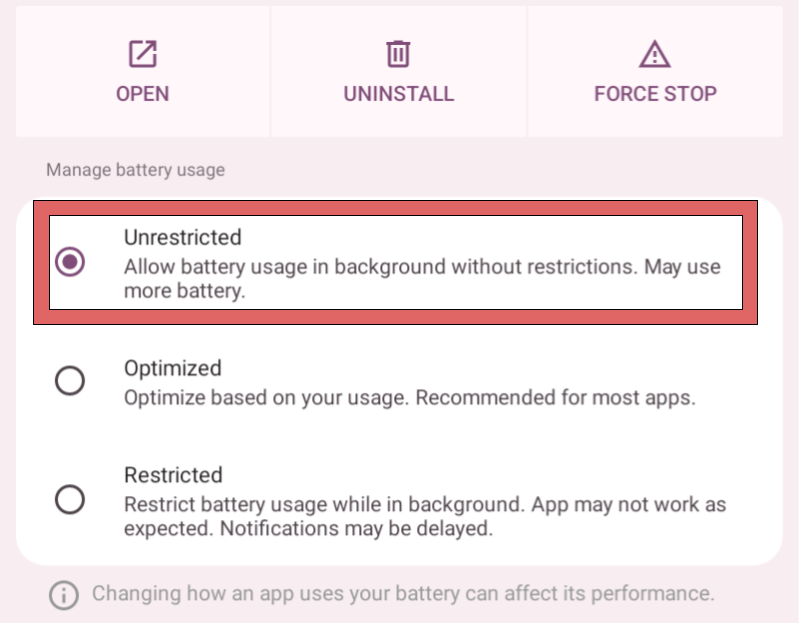
- Select “Unrestricted”
If "Battery" is not available - select "App Battery Usage" then "Allow background usage."