When the Tablet (Menufy Console App) receives an order, it plays a sound to alert restaurant staff. If the tablet isn't making sound when an order comes in, start by checking that the speakers are working.
Testing the speakers is also a quick way to hear the current alert sound, so you know exactly what to listen for.
To the test the tablet’s speakers, please do the following:
- Confirm volume is turned up on tablet to hear sound
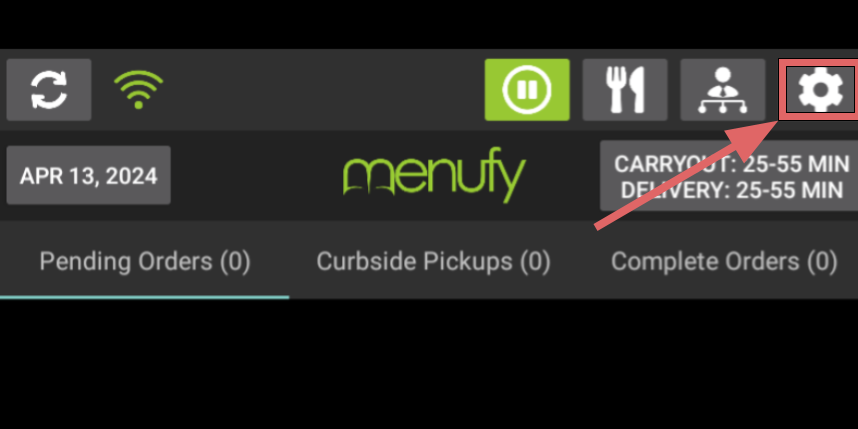
- On the Menufy Home Screen, tap the settings wheel in the right corner
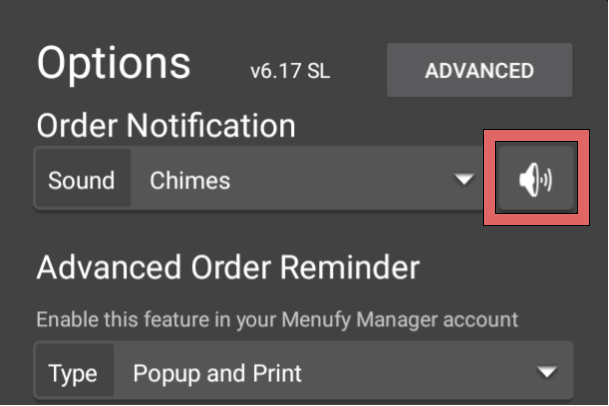
- Tap on the speakers button