The Tablet (Menufy Console App) can notify a connected printer when a new order comes in, so it prints automatically. This feature does not automatically acknowledge the order — that still needs to be done manually.
To adjust the printer so that it automatically prints new orders, please do the following:
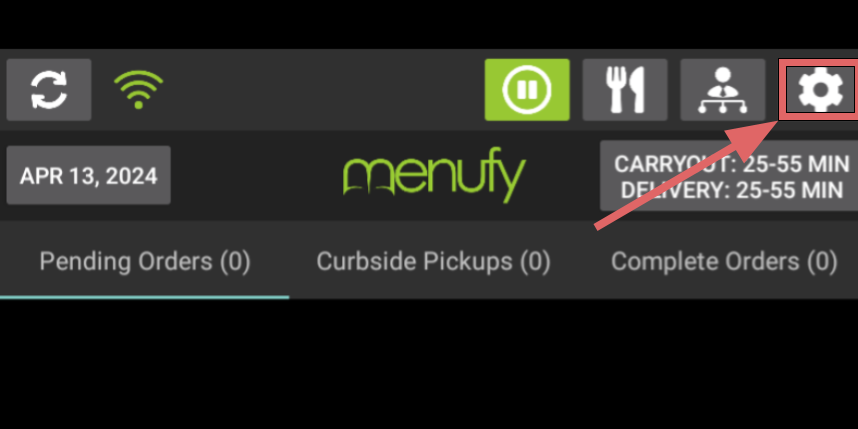
- On the Menufy Home Screen, tap the settings wheel in the right corner
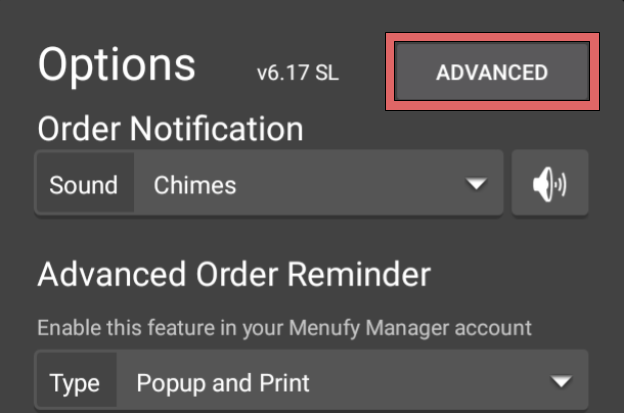
- In the next window, tap “Advanced”
- On the Advanced Settings window, check the box for “Auto Print New Orders” under Receipt Printer Settings