Once a Bluetooth or Network Printer is connected to the Tablet (Menufy Console App), the option to print orders will be available within the order itself.
To print orders, locate the order on the Menufy Home screen then tap on the order to expand it. Once expanded, the option to “Print Receipt” will be available in the order.
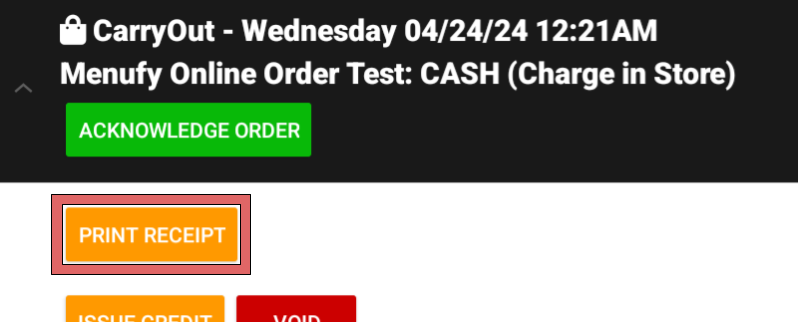
If there is no option to to print the receipt in the order then the tablet does have connection to the printer and will need to be reconnected following article: How to connect Printer to Tablet